Forms
A form is a carrier of data and information. It usually has a fixed layout and is used to enter or collect data at a specific step and position, and certain forms can also act as monitors or dashboards.
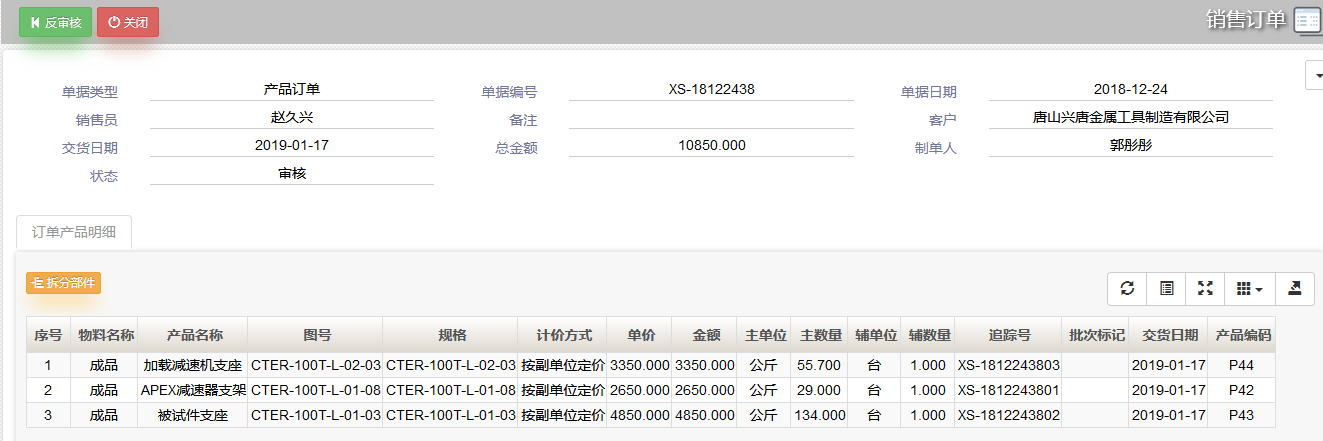
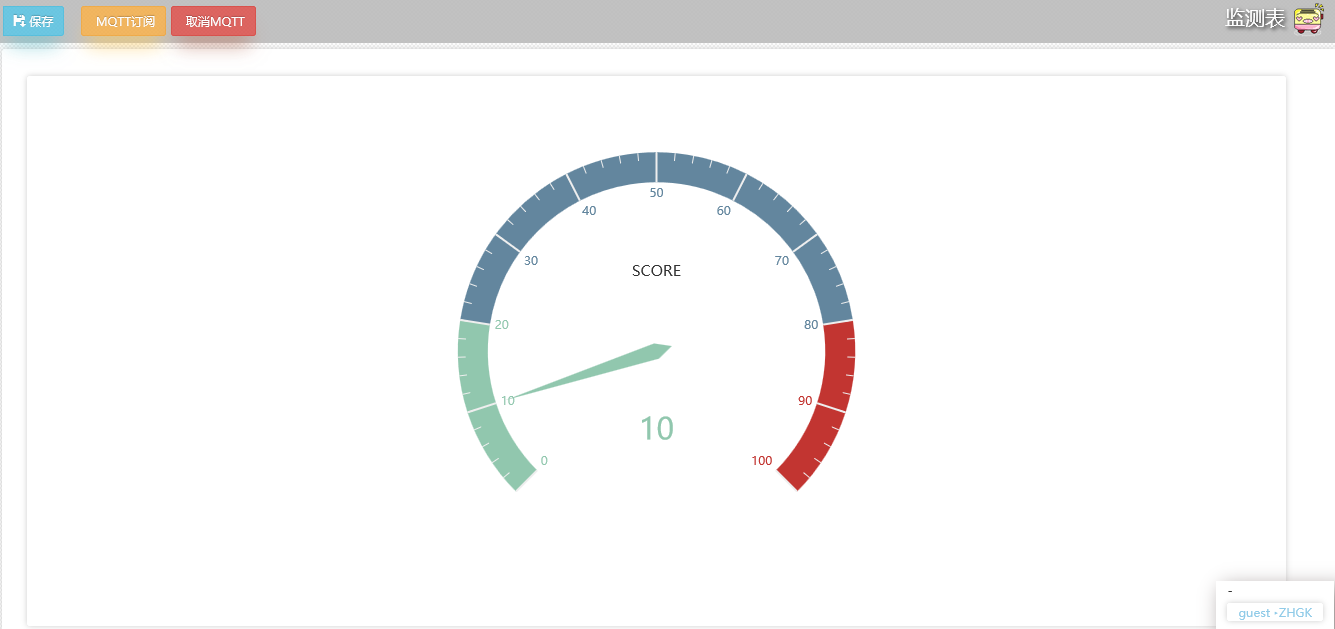
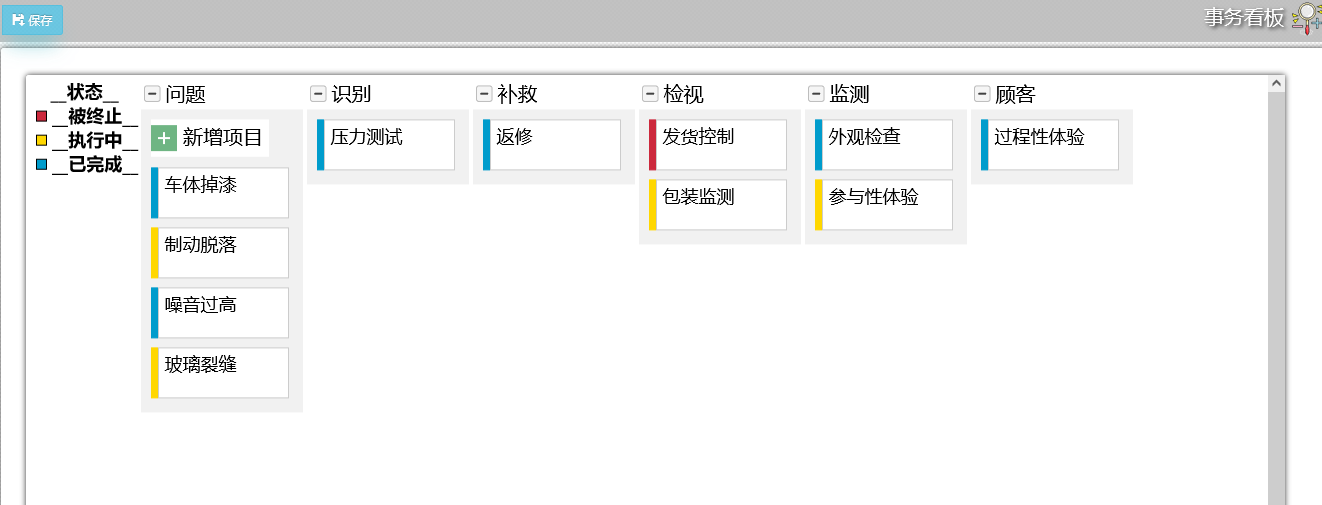
A form generally consists of master data and detail data. Master data describes the main context, such as document number, document date and creator, while detail data records the data-flow information of the managed object, such as material information and amounts.
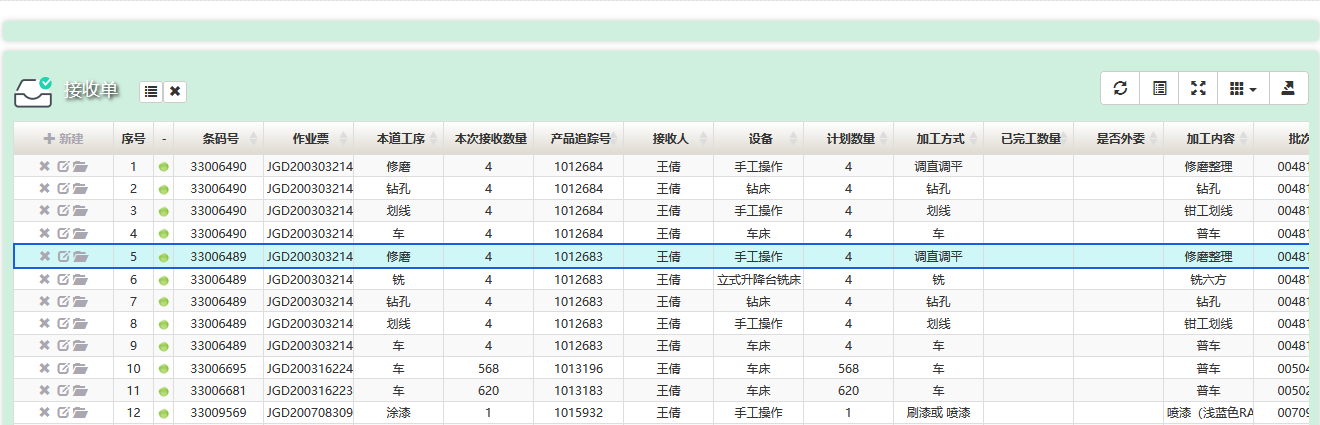
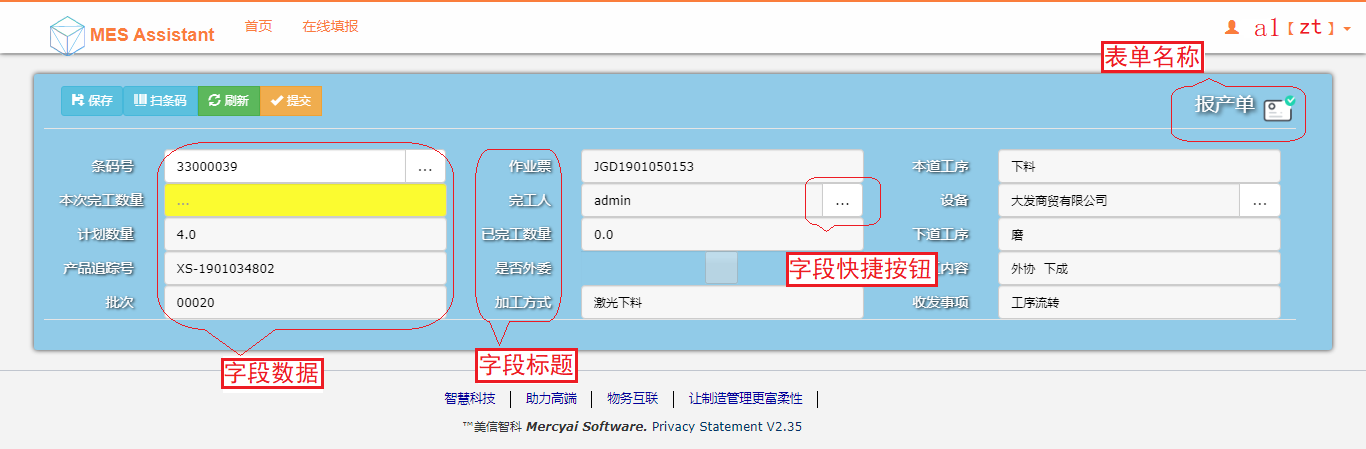
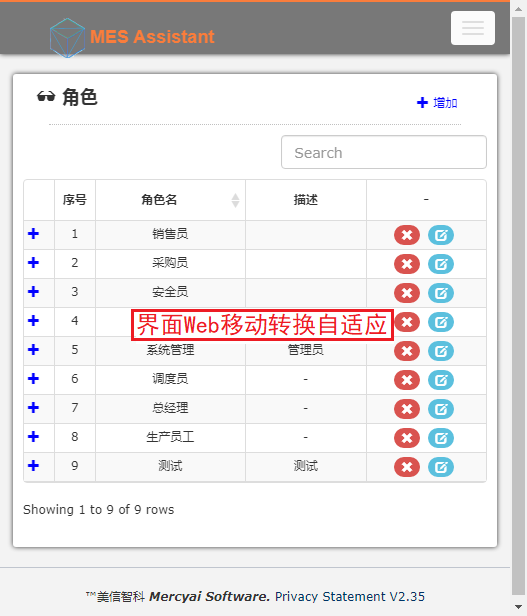
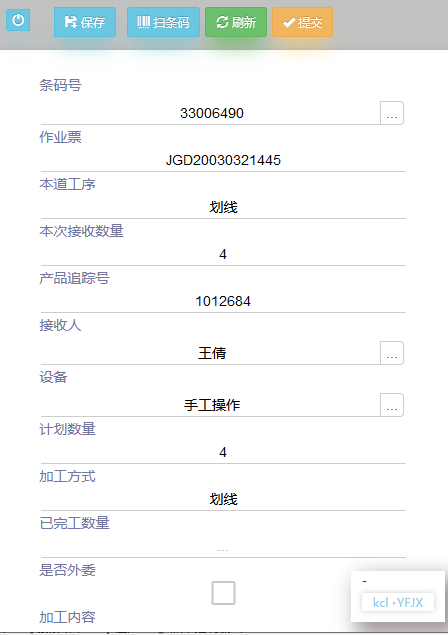
The platform is built on HTML5 and adapts automatically to desktop web, mobile phone and tablet clients for data browsing, with fast, flexible configuration of many different interface styles.
 Business forms: basic concepts and examples
Attributes and configuration of universal form fields
Two approaches to personalized interface template design
The relationship between data import and indexes
Exporting and importing universal form templates
Creating and composing form templates
How to create indexes on data tables
Viewing business document data with the client tool
Importing and exporting Excel data and templates
Custom interface style design
Business forms: basic concepts and examples
Attributes and configuration of universal form fields
Two approaches to personalized interface template design
The relationship between data import and indexes
Exporting and importing universal form templates
Creating and composing form templates
How to create indexes on data tables
Viewing business document data with the client tool
Importing and exporting Excel data and templates
Custom interface style design